Overtime and time-off requests from the phone
Employees log overtime and ask for time off in the app, and you approve with one click. Księguś keeps track of the quarterly settlement.
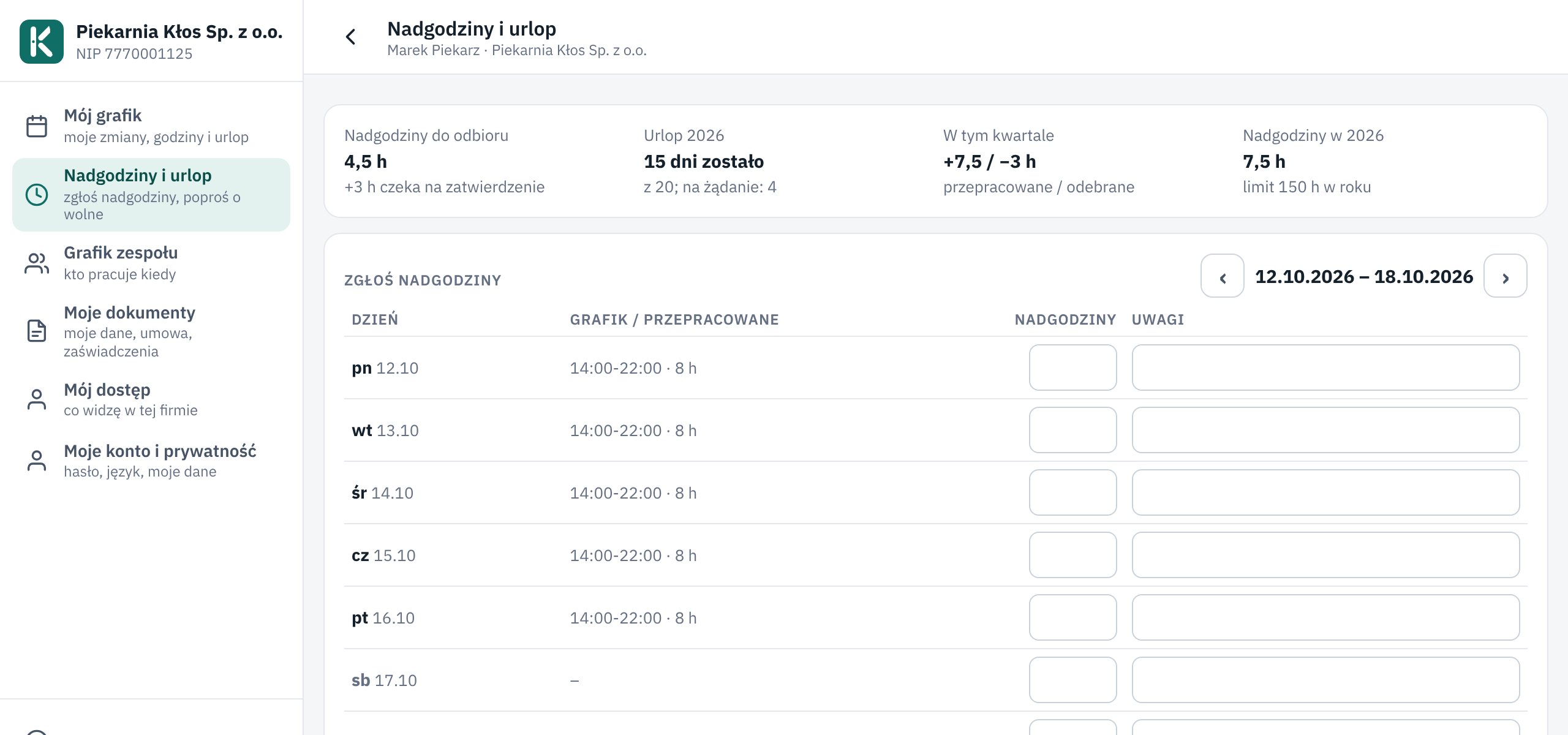
What changed
Employees have a new page in their menu, Overtime and leave. They enter overtime next to the days of the week and see their scheduled hours alongside. On the same page they ask for leave or for time off in lieu.
Requests land on your Employees page, under To approve, and you get a notification. One click approves or rejects.
Księguś settles overtime per quarter: one hour of overtime is one hour off. Whatever is not taken off is marked for payout. When someone gets close to 150 hours in a year, you see a warning.
Who it helps
- Companies with staff on an employment contract who collect overtime on paper today.
- Employees who want to know how many hours they can take off.
- Your accountant, because approved overtime is in the monthly staff summary in Excel.
How to try it
- Open Employees and a team member's card.
- Under Overtime and time off, tick May log overtime.
- The employee sees the Overtime and leave page on their phone and sends the first request.
The tick is off by default, because not every company has overtime. Without it, employees only see leave requests. Overtime applies to employment contracts; for mandate and task contracts the hours in the contract count.