A tutorial and searchable questions
New people in the company no longer need to ask where things are. Księguś shows them the menu and the main screens, and answers to common questions are one word away.
What changed
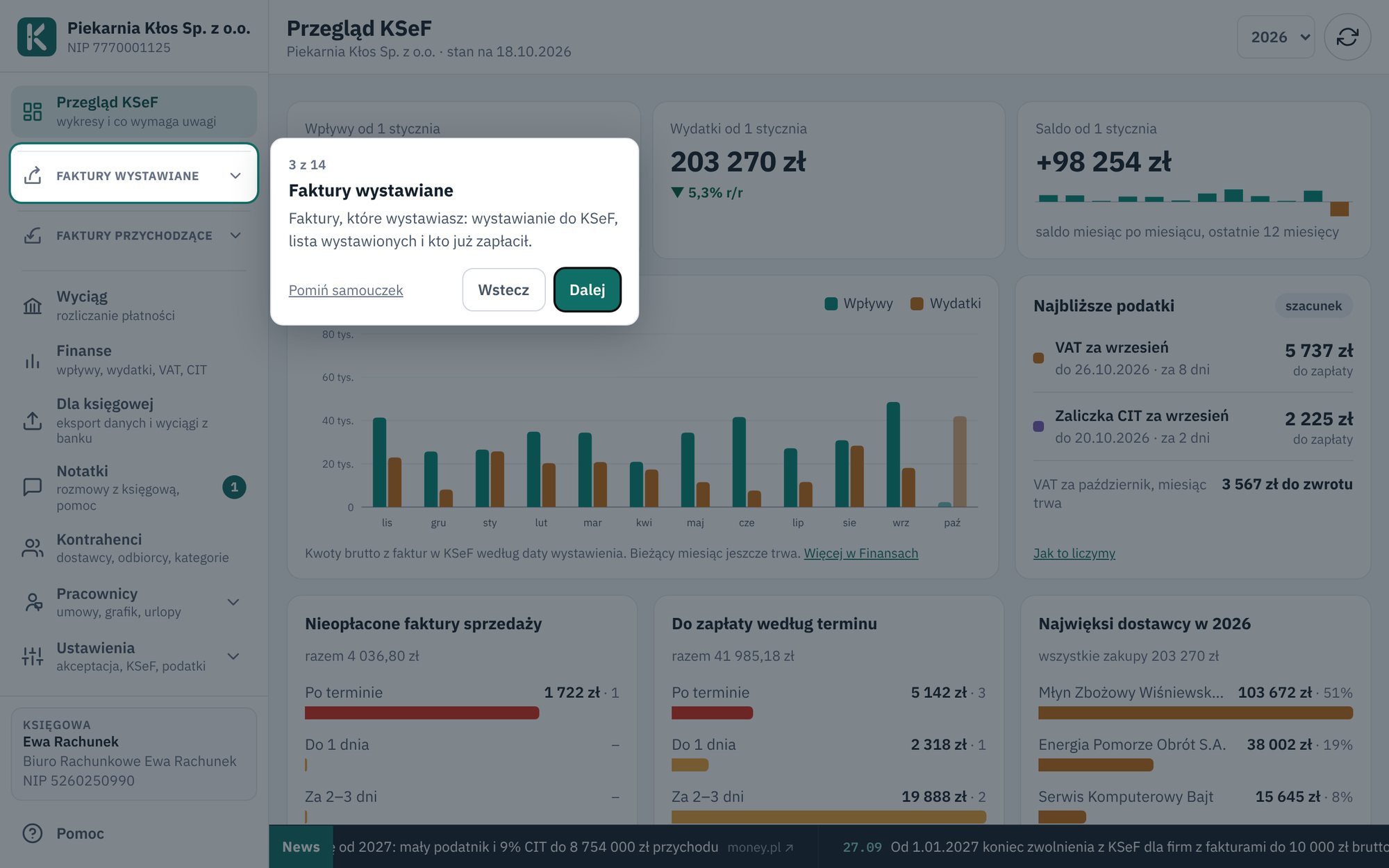
On the first sign-in, Księguś shows a short tutorial: what is in the menu and what it is for. Later, on the first visit to the main screens, such as Bank statement or My schedule, it points out what to click. You step through with Continue, and when you do not need it, you click Skip tutorial.
There is a new page in the menu, Questions and tutorial. Type one word, for example leave, password or invoice, and the answers show at once. Everyone sees the questions that concern them: employees about schedules and leave, owners about invoices and transfers.
Who it helps
- Employees who sign in once a week and do not remember where to enter their hours.
- Owners who add new people and do not want to explain the app from scratch.
- Anyone who prefers to check the answer before writing to Help.
How to try it
- Open Questions and tutorial in the menu.
- Type a word in the search box and open an answer.
- Want to see the tutorial again? Click Show tutorial again at the bottom of that page.
No answer? Write in Help. We reply in the app and by e-mail.